


Every mobile route covered
Flutter, Expo and native iOS and Android projects come from prepared templates, each also as a whitelabel variant.

For mobile teams
An app almost always comes with a backend, often a web interface too. Separate setups make every shared release cost coordination. The platform brings mobile, backend and web into one project.
Start for free. No credit card required.
Mobile teams rarely lose time writing code. They lose it on everything that surrounds the code.
This describes the everyday tasks in a team that builds and operates apps.
| Criterion | With the Application Platform | Without a platform |
|---|---|---|
| Starting a project | Fully covered: Templates for Flutter, Expo and native iOS and Android projects, pipeline included | Not offered: Scaffolding, folder structure and build scripts rebuilt for every project |
| iOS builds | Fully covered: macOS machines in the cloud, wired into the pipeline | Partly covered: A Mac in the office that the whole release process depends on |
| Managing signing material | Fully covered: Android keystore, Apple credentials and Azure Artifact Signing kept centrally | Not offered: Certificates in individual people’s keychains |
| Store metadata | Fully covered: An editor for texts, screenshots and per-language changelogs in the project | Not offered: The same copy maintained across two or three portals |
| Publishing | Fully covered: App Store, Play Store and Microsoft Store through Fastlane from the pipeline | Not offered: Manual uploads and build numbers incremented by hand |
| Several brands from one codebase | Fully covered: Whitelabel variants with their own branding, domains and store listings | Not offered: Copied repositories that drift apart within months |
| The app's backend | Fully covered: NestJS, Laravel or FastAPI in the same project, with server and database | Partly covered: A separate setup with its own pipeline and its own credentials |
| Web interface | Fully covered: Next.js, Astro or Hugo from the same project base | Partly covered: A third setup, often at yet another provider |
| Errors in production | Fully covered: Sentry is set up automatically, for app and backend alike | Partly covered: Configured per project by hand, or replaced by store crash reports |
| Onboarding and cover | Fully covered: Remote workspaces with VS Code, JetBrains, RDP and VNC, including macOS | Not offered: Setup per machine, with releases tied to individual people |
Green means covered, amber partly, grey not available. The right column describes no competitor but the usual situation without an end-to-end platform.
As of 10 August 2026. This comparison describes typical workflows and can differ from project to project.
Six things that show up from the first shared release onwards.
Flutter, Expo and native iOS and Android projects come from prepared templates, each also as a whitelabel variant.
iOS and macOS builds run on the platform’s macOS machines, which you can also use interactively over RDP or VNC.
Fastlane pushes builds to the App Store, Play Store and Microsoft Store. Metadata and screenshots stay versioned in the project.
Sentry is set up automatically and reports errors with stack trace, release and context, for app and backend.
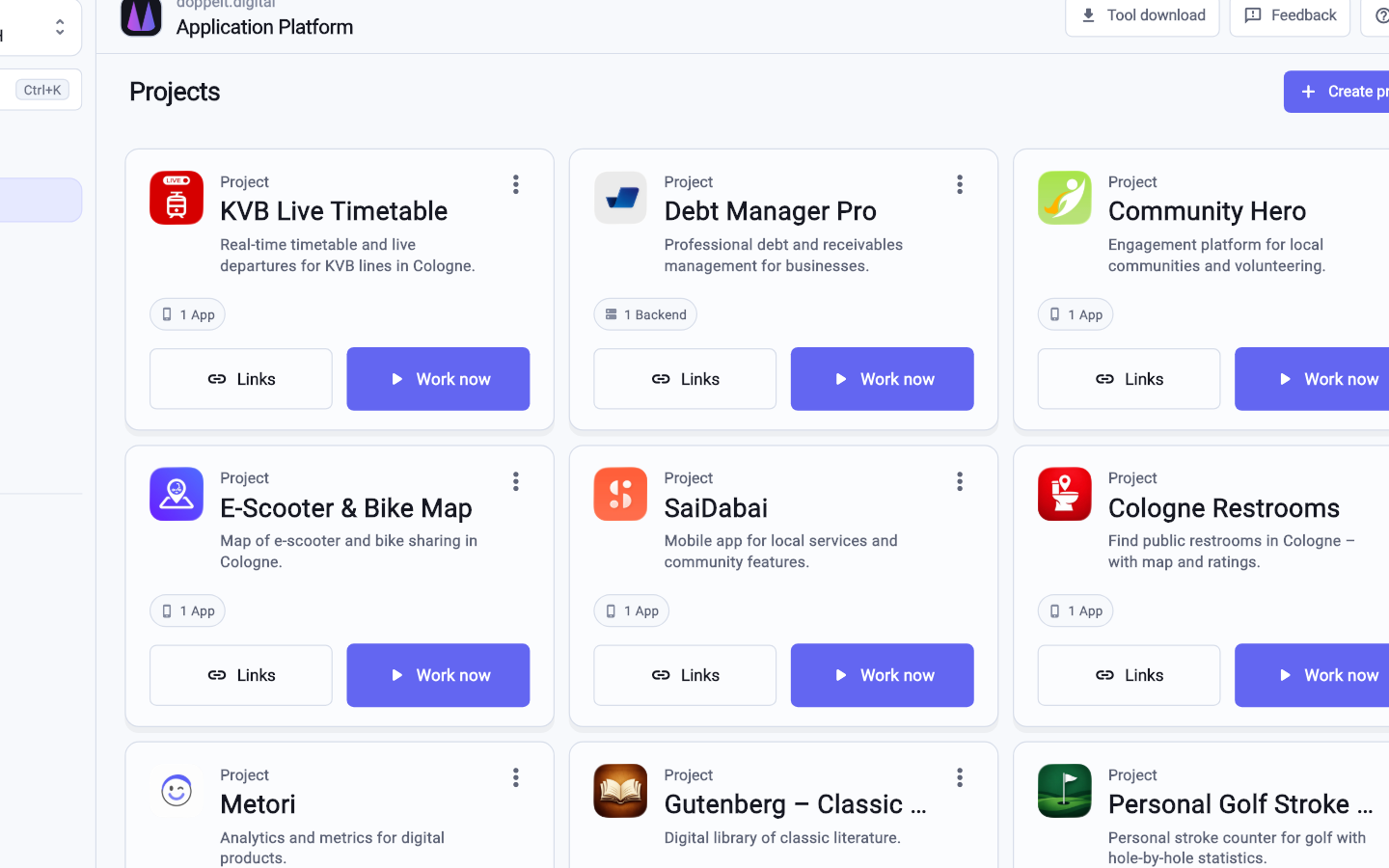
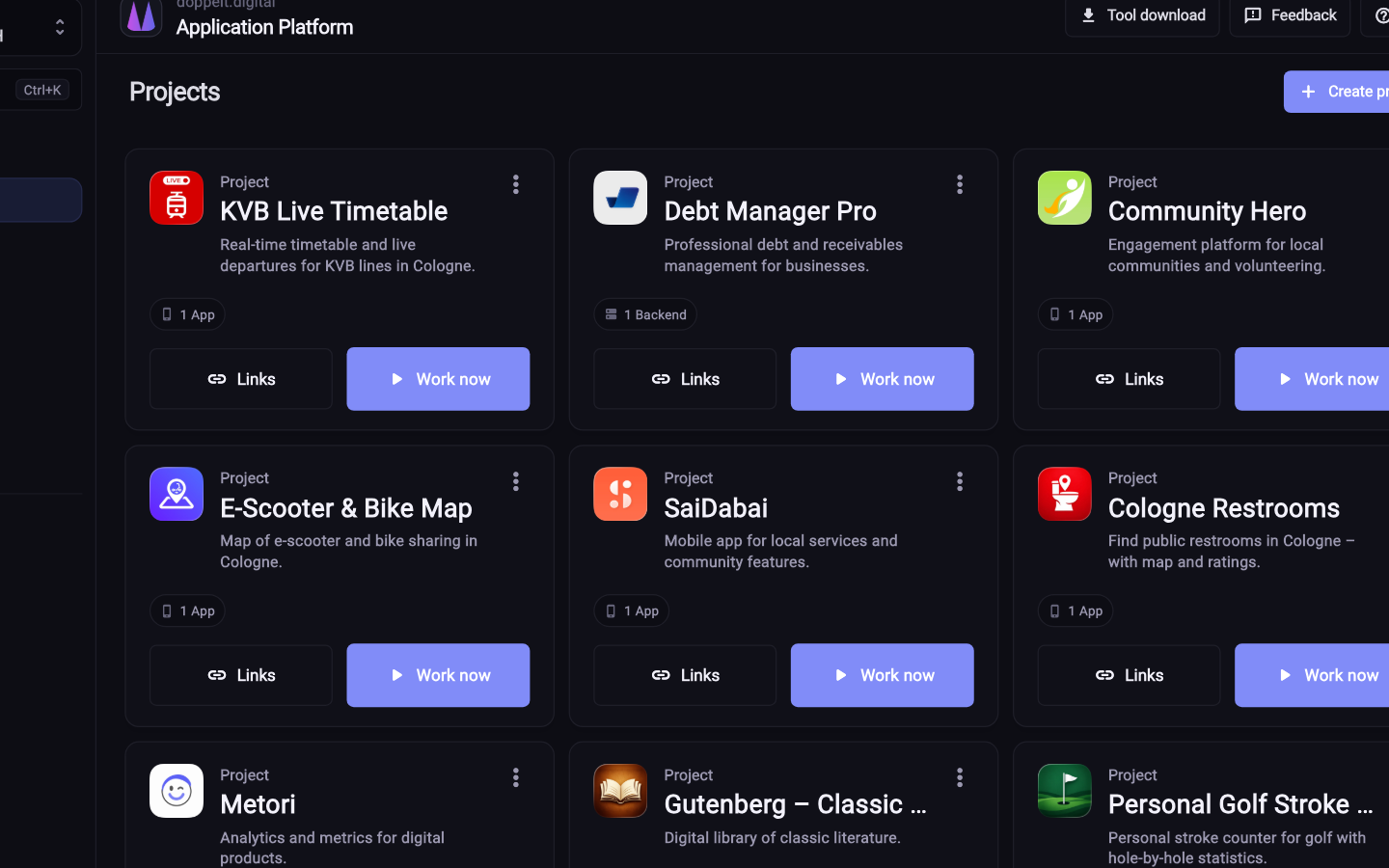
Four steps from the first project to a store listing.
Pick platforms and components in the wizard. Repository, structure, pipeline and environments are created with it.
Apple credentials, Play access, the Android keystore and, if needed, Azure Artifact Signing are kept centrally.
Create the API in the same project and connect your own or a managed server for Docker, database and SSL.
The pipeline builds, signs and uploads. Store metadata and screenshots are maintained in the platform’s editor.
Flutter, Expo and native iOS and Android projects are among the templates, also as a whitelabel variant. For iOS builds the platform provides macOS machines in the cloud. Publishing runs through Fastlane to the App Store, Play Store and Microsoft Store.
Not for builds. The platform provides macOS machines where the pipeline builds and signs, usable interactively over RDP or VNC too. Owning a Mac still helps for local development, but it is no longer a prerequisite for shipping a release.
Projects live inside organisations, roles and permissions decide who can see and edit each one. Credentials are managed centrally per project. The audit log records changes, so you can demonstrate to a client who had access.
Register for free, pick a mobile template and see how far the setup gets without any groundwork from you.
Start for free. No credit card required.