Production-ready template
The Next.js template ships structure, conventions and a working setup. A whitelabel variant exists for multi-brand products.

Technology
Writing a Next.js frontend is the quick part. Reaching production means a pipeline, a container image, a server, a reverse proxy, certificates and a home for environment variables. The platform sets that up.
Start for free. No credit card required.
Self-hosting Next.js is perfectly doable, it just costs groundwork. The platform takes that groundwork off your plate without taking away your access.
This lays out the work a self-built setup involves and how much of it the platform takes over.
| Task | With the Application Platform | Set up yourself |
|---|---|---|
| Project structure and repository | Fully covered: Generated from a production-ready Next.js template, conventions included | Not offered: Create the repository, decide on structure, agree conventions in the team |
| Build and deployment pipeline | Fully covered: GitLab CI pipeline for test, build, publish and release comes with the project | Not offered: Write the pipeline, provision runners, work out caching and artefacts |
| Container image and rollout | Fully covered: The image is built in CI, published and rolled out to the target server | Not offered: Maintain the Dockerfile, registry, credentials and rollout scripts yourself |
| Server baseline | Fully covered: Docker, databases, reverse proxy, SSL, firewall and backups are configured automatically | Not offered: Install, harden and keep every component current on your own |
| Domains and certificates | Fully covered: Domains and SSL are part of the setup rather than an afterthought | Not offered: Run DNS, certificate issuance and renewal yourself |
| Environment variables and secrets | Fully covered: Managed centrally in the project and handed to both pipeline and runtime | Partly covered: Scattered across CI settings, files on the server and personal notes |
| Connecting your own backend | Fully covered: NestJS, Laravel or FastAPI run as services in the same project on shared configuration | Partly covered: A second setup with its own pipeline, server and secrets |
| Error tracking | Fully covered: Sentry is fully configured, errors arrive with stack trace, release and context | Partly covered: Create the project, wire up the SDK, sort out source maps and releases |
| Global delivery | Partly covered: Reverse proxy and SSL per server, with room for a CDN in front | Partly covered: Pick, configure and pay for a CDN separately |
| Traceability of environments | Fully covered: Environments and deployments live as configuration in the Git history | Not offered: Server state accumulates over time and is rarely written down |
Green means fully covered, amber partly, grey still on you. A hand-built setup is far from impossible, it simply consumes time that never reaches the product.
As of 10 August 2026. This comparison describes typical workflows and can differ from project to project.
The pieces a frontend needs to survive in production rather than just on a laptop.
The Next.js template ships structure, conventions and a working setup. A whitelabel variant exists for multi-brand products.
Test, build, publish and release run through GitLab CI configuration that sits readable in your repository and can be edited.
The application runs as a container on your own SSH-connected server or on a managed server with the baseline already prepared.
Deployments and environments exist as configuration in Git, so what runs in production can be read rather than reconstructed.
Pipeline for Customer App
Four steps from creating the project to a working domain.
Your own machine over SSH or a managed server. Docker, reverse proxy, SSL, firewall and backups get configured for you.
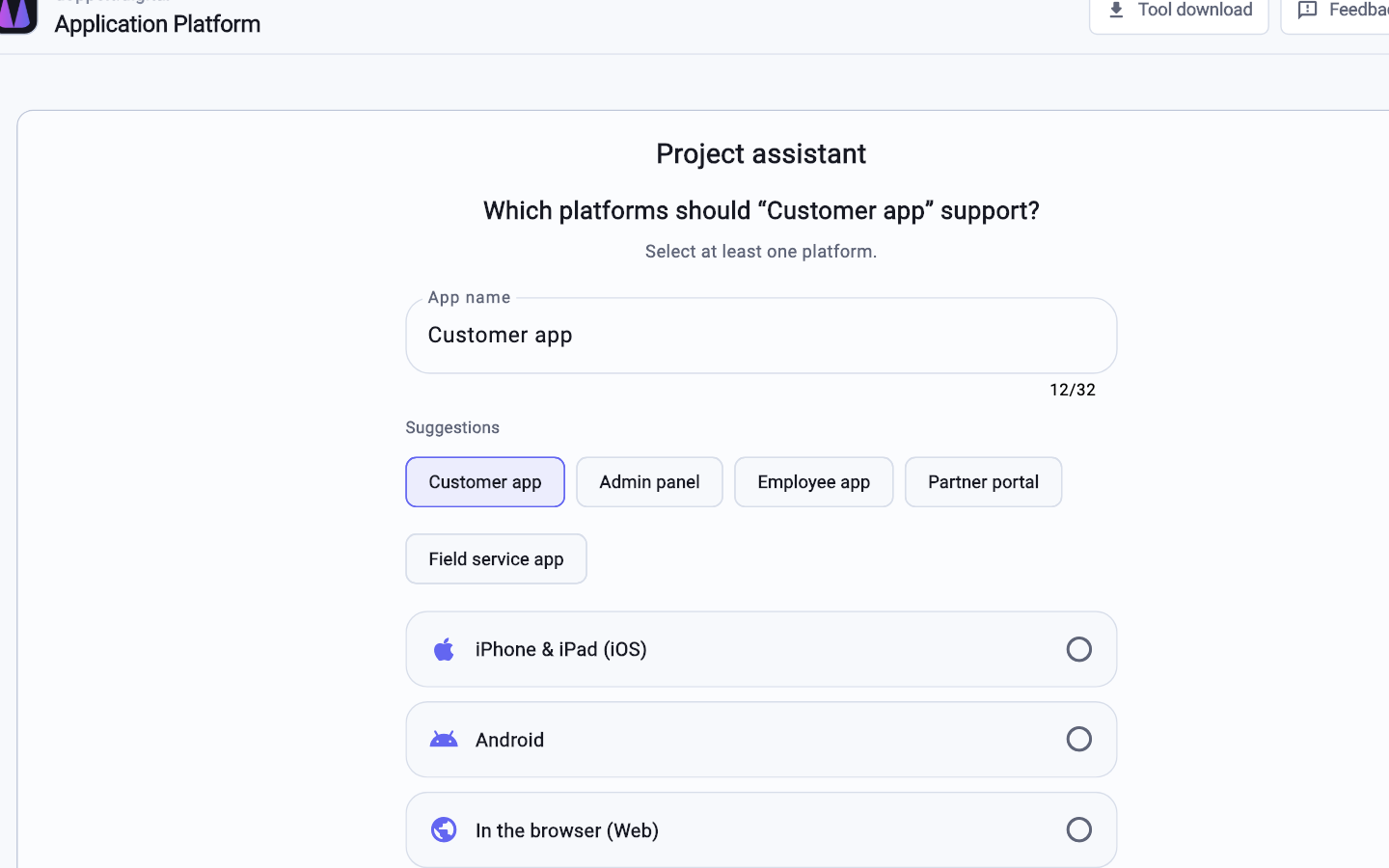
Pick Next.js in the wizard. Repository, project structure and CI/CD pipeline are created alongside the project.
Bring your existing application into the repository and store environment variables and credentials centrally in the project.
A push starts the pipeline. Once it passes, you point the DNS record at the environment and the certificate is already in place.
Yes. Next.js is one of the prepared templates and runs as an ordinary Node process inside a container. Server-side rendering, API routes and static pages behave as they do locally. Vendor-specific runtime features need a standard equivalent.
Centrally in the project. The platform passes them to both the pipeline and the running container, removing the usual duplication between CI settings and server files. Values differ per environment and live in Git.
Your code sits in GitLab repositories that belong to you, the pipeline is regular GitLab CI configuration and deployment is based on Docker images you can run anywhere. A server you connected stays yours. There is no proprietary runtime layer to rebuild.
Register for free, pick Next.js as your stack and see how far the setup gets before you write a single config file.
Start for free. No credit card required.