MCP server
Through the MCP server, coding agents reach the project, its repositories and environments instead of guessing inside an empty folder.

Solution
A coding agent writes code. Turning that into a running application takes project access, an environment to work in, and a pipeline that checks and ships its changes.
Start for free. No credit card required.
The platform does not make agents smarter. It makes sure their work lands somewhere defined and gets checked.
This lays out the tasks that surround coding agents and how much of each the Application Platform covers.
| Criterion | With the Application Platform | Without a platform |
|---|---|---|
| Access to project context | Fully covered: An MCP server connects agents to the project, repositories and environments | Partly covered: The agent only sees the local folder it was started in |
| Editor integration | Fully covered: VS Code plugin with project overview, repositories and run commands | Partly covered: Editor configuration is maintained per machine by hand |
| Terminal integration | Fully covered: ap CLI for project commands and running applications locally | Partly covered: Homegrown scripts that drift apart between projects |
| Automation through an API | Fully covered: Personal API keys for your own workflows and tools | Not offered: Individual service credentials, scattered and hard to revoke |
| Runtime for longer tasks | Fully covered: Cloud workspaces keep working while your machine is off | Not offered: Runs locally and stops when the notebook sleeps |
| A dependable starting point | Fully covered: Templates and a defined project structure with conventions | Not offered: Empty repository, conventions emerge along the way |
| Checking the output | Fully covered: GitLab CI tests and builds every change before it ships | Partly covered: A pipeline has to be built first, otherwise nothing checks |
| Errors after release | Fully covered: Sentry is set up automatically, errors arrive with stack trace and release | Partly covered: A separate setup per project, or none at all |
| Traceability | Fully covered: Audit log plus GitOps configuration in the Git history | Not offered: Environment changes stay hidden in server state |
| Permissions and access | Fully covered: Roles, organisations and centrally managed credentials | Partly covered: Agents inherit the permissions of whoever started them |
Green means covered, amber partly, grey not available. The right column describes no competitor but the usual situation without an end-to-end platform.
As of 10 August 2026. This comparison describes typical workflows and can differ from project to project.
Six building blocks that sit between a suggestion in a chat window and a shipped change.
Through the MCP server, coding agents reach the project, its repositories and environments instead of guessing inside an empty folder.
The CLI covers project commands and local runs, while the plugin surfaces repositories, tech stack and shortcuts inside the editor.
Agents keep running in a cloud VM with VS Code, JetBrains, RDP or VNC while your own device is switched off.
Personal API keys, roles and an audit log make it visible who or what triggered a change.
acme / customer-app
kunden-app
Flutter app for iOS, Android, and web
backend
API and server logic with Docker setup
homepage
Marketing site and public content
e2e-tests
End-to-end tests against dev and staging
gitops-configuration
Deployment configuration for dev and prod
local-configuration
Workspace, IDE, and agent configuration
gitlab-profile
Project documentation and README
Four steps from signing up to a first checked result.
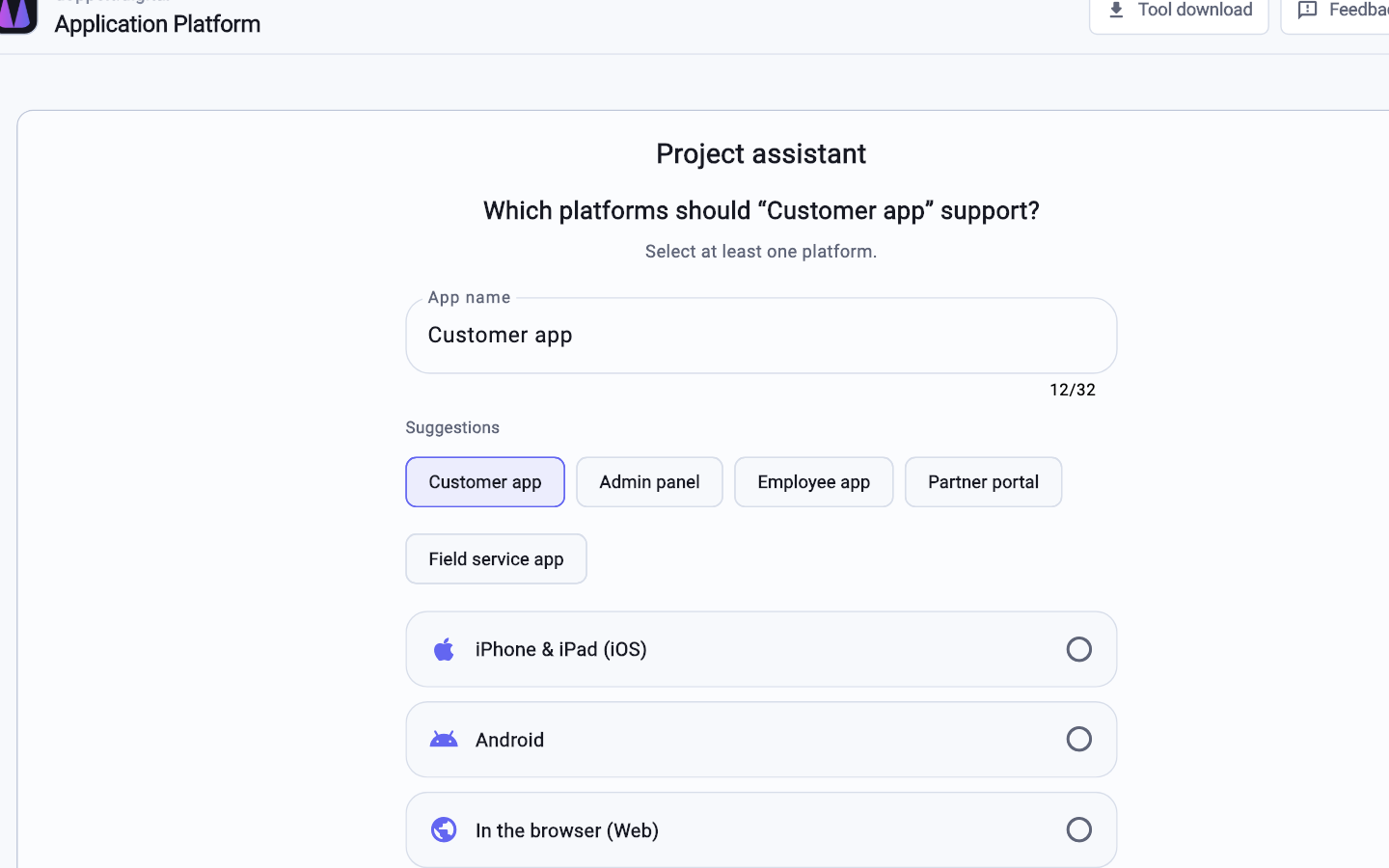
Repository, project structure, pipeline and environments come out of the wizard, giving the agent a defined baseline.
Set up the MCP server for your agent, install the VS Code plugin or use the ap CLI inside the project folder.
Work locally with the Platform App, or start a cloud workspace when a run outlasts your attention span.
Changes arrive as commits and travel through the pipeline. Whatever fails there does not ship, no matter who wrote it.
No. Output quality depends on the model and on how you frame the task. The platform only shapes the setting: every change runs through the same tests and build steps as hand-written code. Judging whether a suggestion is correct remains your job.
Through open paths, not tool-specific integrations. Agents that speak MCP use the platform's MCP server, editors based on VS Code use the plugin, anything else connects through the ap CLI or API keys. That covers Claude Code, Cursor, Codex and Copilot.
Credentials live centrally in the project, not in source code, and the project conventions rule out committing secrets. What an agent can reach depends on the API key or account it operates under; for sensitive environments, use reduced permissions.
Register for free, create a project and connect your tool through the MCP server, the CLI or the plugin.
Start for free. No credit card required.